Conflict Approval Improvements
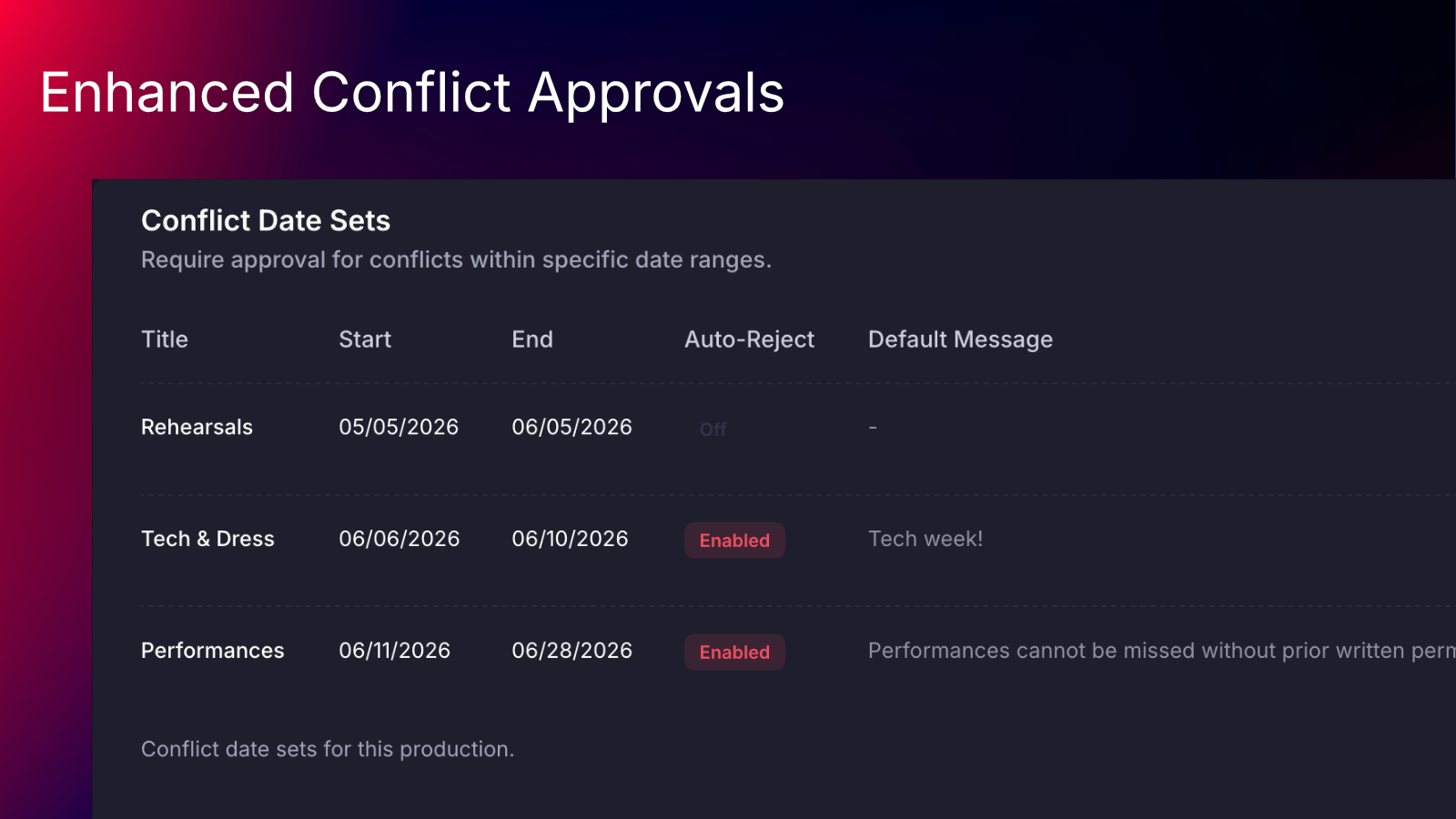
We’ve upgraded conflict date set management for productions to make it clearer, more flexible, and easier to use.
Conflict date sets now have their own dedicated settings page under Production Settings, replacing the previous on/off toggle on the general settings page. Managers can now create & manage multiple conflict date sets in one place, with the ability to give each date set its own name.
Additionally, date sets can be set up to automatically reject conflicts - great for use during final tech week and performances!
On the conflict approvals page, requests now show which conflict date set or sets they match, making it easier to understand why a request is appearing. The conflict approvals table now includes a more powerful filter experience. Managers can filter requests by status, person, date set, and whether conflicts are present.
Learn more about how to use these new features from our updated help center article.